
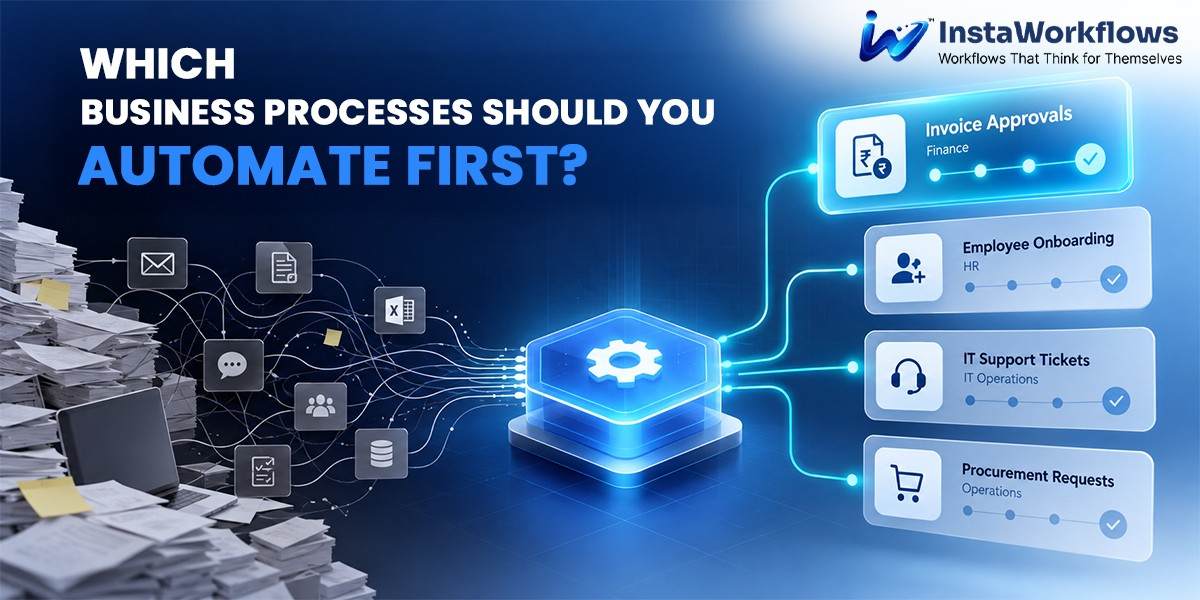
As any growing business will know will happen at some point, spreadsheets start to become a burden, emails begin to become long and tedious, and hand-offs begin to run late. Fortunately, business process automation can eliminate the friction if you begin at the right point. Do the wrong thing first, and it costs you time and money. Automate the one correct answer, and you’ll start to see results in weeks.
No-Code Workflow Automation lets you make it happen without the involvement of developers or lengthy IT lines. With a tool like InstaWorkflows, business teams can visually create and deploy workflow automation that goes beyond reminders, ranging from approval workflow automation to other processes. In this guide, we will tell you how to prioritize, what processes will yield the quickest results, and what you’ll be able to wait for.
Why Business Process Automation Needs a Smart Starting Point
The majority of teams are tricked into automating all things at once. This often results in incomplete workflows, unhappy employees, and results that are not clear. The better way to do this is to think of business process automation as a series of small, measurable projects.
It’s easier to do something small to build up confidence. You save time in real time, you prove your leadership is a good investment, and you learn lessons that make each subsequent workflow quicker and more efficient to build. The first process you select is an indication of the tone for the entire program and should be high visibility, useful, and low risk.
How to Prioritize with No-Code Workflow Automation
Before building anything, score your candidate processes against a few simple criteria. No-code workflow automation makes experimentation cheap, but your time is still valuable, so choose wisely. Look for processes that are:
- Repetitive: The same steps happen daily or weekly.
- Rule-based: Decisions follow clear conditions, such as “approve if under a set amount.”
- Error-prone: Manual copying and pasting regularly causes mistakes.
- Multi-person: Several people or departments touch the task, creating delays.
- Measurable: You can track time saved, errors reduced, or turnaround improved.
Any process that scores high on at least four of these is a strong candidate for your first automation.
Prior to constructing, rate your candidate’s processes against a handful of basic criteria. One of the key benefits of no-code workflow automation is that you can experiment on a cheap budget; however, your time is still valuable, so make sure to pick your experiments wisely. Search for processes that are:
- Repetitive: Things are the same each day or week.
- Rule-based: Decisions are made based on a set of rules, e.g., “approve if below a threshold.”
- Requires a lot of correct errors: Errors often occur when copying and pasting occurs manually.
- Multi-person: Multiple persons or departments are involved in the task; delays occur.
- Measurable: Time saved, errors reduced, turnaround improved are measurable.
If the process scores high on any four of these, then it is a good automation candidate.
Approval Workflow Automation: The Best Place to Begin
Do one thing first – approve things automatically. There are many situations that require a “yes” at the right time – leave requests, purchase orders, expense claims, contract sign-offs, content reviews, etc. In email threads, people forget to ask for approval, and nobody knows the status.
Approval workflow automation corrects this by automatically assigning the appropriate people, sending reminders, moving overdue items to the next approval step, and maintaining an audit trail. Employees are able to see exactly where their request is at and managers approve with a single click from any device.
The advantages come rather soon:
- Improved turnaround for requests.
- Fewer delays and missed deadlines
- Improved compliance with decisions via recordings.
- Fewer unnecessary or redundant interactions between departments.
The rules tend to be straightforward, so it’s a great first project for a new team to work on automation.
Employee Onboarding and Offboarding
There’s a long list of items on the to-do list for onboarding: account creation, equipment ordering, policy documents, training schedules, and introducing the new guy. People don’t like to be let down.
All these tasks are initiated as soon as an offer is accepted through an automated onboarding workflow. There are actions assigned to HR, IT, hiring manager, new employee has a welcome message and forms to fill out. The offboarding process is the same as onboarding, except that access is denied and assets are returned. This helps minimize security threats and lets HR off the hook from having to track people down for updates.
Invoice, Expense, and Payment Processing
Manual processes like entering invoice data, matching with POs, and chasing sign-offs can consume hours in finance teams. These tasks are repetitive and are well structured, making them ideal for automation.
An automated flow might be able to extract the information from the invoice, validate it against the rules, and pass it on to an approval workflow automation according to the amount or department. Reminders and warnings about payments can be in the background. This leads to reduced late payments, improved data quality and a finance team who are more focused on analysis than data entry.
Customer Support and Lead Management
The time that a customer reaches out or a new customer completes a form is very critical. Slow response and missed opportunities in manual handling. Automation can place new leads with a salesperson on the spot, notify them about the new lead, and automatically set a follow-up task if they do not call back within a day.
Automated ticket routing ensures that each issue is routed to the appropriate team, based on category or priority, and status updates help customers stay informed about the status of their ticket. This area is directly associated with customer satisfaction and revenue, and is a good second or third choice for business process automation.
Data Entry, Reporting, and Notifications
One of the most mundane and time-consuming activities in any office is copying data from one tool to another. Slow, dull, and tends to be error-prone. By automating data transfers across your forms, spreadsheets, CRM, and your accounting system, you ensure information flows accurately and is kept up to date across all of them.
This is also the case for recurring reports and reminders. A weekly number compilation process will be automated rather than manual, collecting the data, formatting it, and sending it to stakeholders in a timely fashion. These may seem like simple tasks, but they add up to hours back in your teams’ time weekly.
Which Processes Should You Avoid Automating First?
Not all processes can be automated. Defer activities that continue to evolve, depend on judgment, or have unusual exceptions. Documenting and simplifying the process is the first step to automating a broken process, which only compounds the mistakes.
Try not to pick very complicated cross-company processes to start with that require many integrations. Test out the value with a smaller win and then grow. The principle is to begin with a workflow that you can construct, test, and deploy within two weeks.
How InstaWorkflows Makes Your First Automation Easy
The first half of the job is the process selection – the second half is the process construction. Unlike many workflow tools, InstaWorkflows lets business users, not just technical users, visually build workflows. Steps can be mapped out, conditions can be set, everyday tools can be connected without coding, and approvers can be assigned.
This No-Code Workflow Automation approach streamlines the workflow from idea to live. First, you can work with one approval process and track the results; you can then apply the same logic to onboarding, finance, and support. Your business process automation strategy evolves based on your needs without becoming a costly project.
Conclusion
The best place to start is to find repetitive processes that follow rules and that your team hates to do today. Typical tasks that precede approvals include onboarding, finance activities, handling leads, support, and regular data processing. Give each candidate an average score, start a small workflow, witness the results, and develop it.
Nowadays, business process automation and the flexibility of No-Code Workflow Automation can help you transform business processes without a significant technical investment. Check out InstaWorkflows and start automating the work that slows your team down to see how fast you can get your first workflow up and running.
FAQs
1. What's the initial business process that companies should automate?
Typically, the best place to begin is with approvals because they follow rules, are repetitive, and involve several people. Quickly automating them minimizes delays and enhances visibility.
2. Why is there such widespread use of approval workflow automation?
It directs requests to the appropriate individual, provides reminders and documents all decisions. This eliminates delays and ensures an accurate audit trail.
3. In what ways could InstaWorkflows fit into the day-to-day?
Can be used in HR, finance, sales, support for approvals, onboarding, notifications, and data handling. It can be one process and build up.
4. What can cause a process to be unsuitable for business process automation?
See if it is repetitive, has clear rules, and if it does, it can create quite a lot of mistakes or delays. If the steps are documented and they are stable, it’s ready.
5. What are the reasons to not automate a process?
Don’t automate “data-dependent” or rapidly changing processes. First, simplify and standardize them, then automate.