
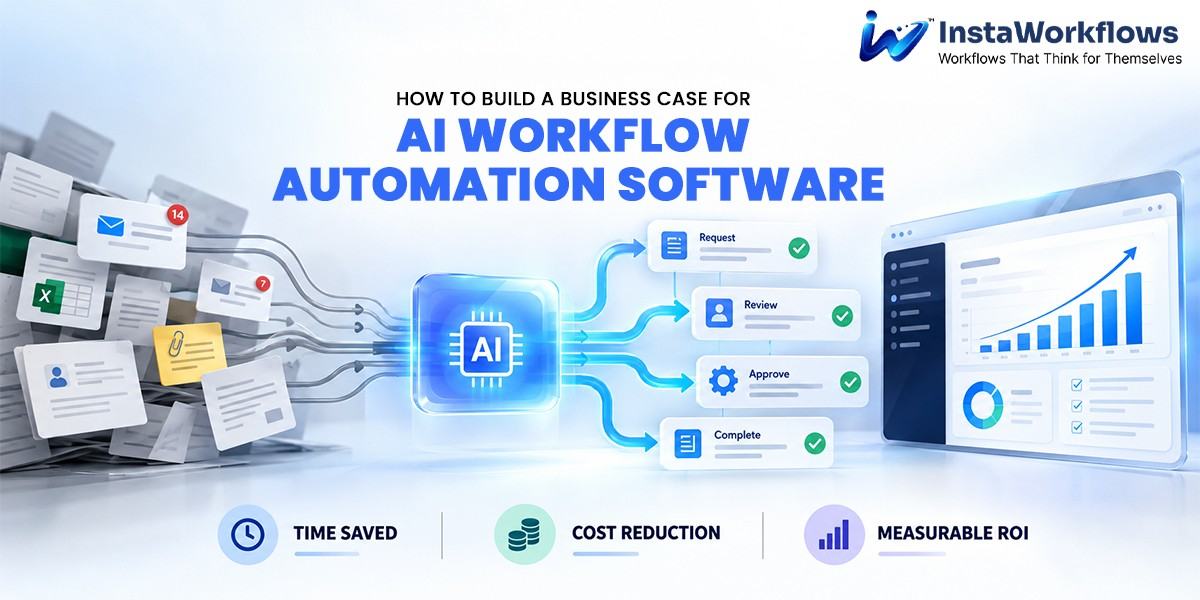
Everyone who has ever been an operations leader has faced the situation where there is an increasing number of approvals in their Inbox, information is re-entered into systems and intelligent team members are spending their time on inconsequential tasks. But when it comes to ordering AI workflow automation software, no good ideas ever just “speak for themselves.” Revenue managers and CFOs should have proof, numbers, and a viable plan of attack before they approve a budget to invest in enterprise workflow automation. Follow a step-by-step approach to review and understand your challenges and needs, build a business case, and get it approved to become a reality.
Why Your AI Workflow Automation Software Needs a Business Case
A business case makes a technology idea real by explaining it in terms of money and strategy. A project without a business case may appear as a cost for IT. With a business case, it becomes an investment tied to cost, revenue and risk outcomes.
Websites such as InstaWorkflows show how far we have moved beyond rule‑based scripts. Intelligent automation can. Understand document route inquiries smartly, spot and fix anomalies, and improve over time. Your business case must make this difference obvious – stakeholders need to know why AI workflow automation software needs investment, not ordinary non‑intelligent solutions.
Step 1: Identify the Processes Worth Automating
Begin with the business pain, not technology. Seek workflows that are:
- Large in volume and repetitive
- Prone to errors or rework
- Slowed by manual handoffs and approvals
- Exposed to compliance or audit risk
Typical examples are invoice processing, employee onboarding, purchase requisitions, contract management and routing customer requests. Discuss with process owners and sketch a current map of their processes, documenting every step their processes currently go through and noting all hours they spend and all costs they incur.
Step 2: Set Clear Objectives and Metrics for Enterprise Workflow Automation
Leaders pay for results, not functionality. Identify desired results in terms of company requirements, then link each outcome to measurable metrics or KPIs. Several of the more handy KPIs for enterprise workflow automation:
- Cycle time per process
- Transaction Cost
- Error & rework rates
- Employee hours reclaimed
- SLA and compliance adherence
- Customer or employee contentment
Set a baseline for each measurement before the project starts. Without a baseline you cannot show improvement. Your finance team will see the difference clearly.
Step 3: Quantify Costs, Benefits, and ROI
Honest and comprehensive reporting on balance sheet items. Typical costs are license fees, implementation, integration, training, change management and continuous governance. The tangible benefits include reduced labor hours, reduced error rates and faster payment cycles, while the intangible benefits include increased employee morale, easier scaling, reduced decision-making costs, etc.
The basic formula to keep the talk simple is: ROI = (Total Benefits – Total Costs) / Total Costs x 100.
Let’s imagine an instance. Now suppose you’ve a finance staff team that handles hundreds of invoices per month, and each invoice takes them several minutes to process manually. If your finance team gets AI workflow automation software to manage data entry, data matching and routing, then you get back a lot of those hours. Multiply that time by the full hourly wages for those people and the annual figure becomes a pretty appealing figure – even without the payment discounts afforded upon early release for those few mistakes.
Step 4: Address Risk, Security, and Compliance
Explain how you will keep your data private and secure and how you will control access. Keep audit trails on how you will keep your models transparent and how you will follow applicable laws in your industry. Consider how humans will be used where necessary for exceptions and important decisions and how your platform will document it.
Be aware of the risk of adoption. Automation will impact the work process, so plan for that change management and training. A key part of this would be if they can demonstrate their understanding of the risks involved in adopting automation.
Step 5: How Workflow Automation With AI Fits Your Technology Landscape
A firm case is even better if it demonstrates the answer can help elements to stay with present methods. Determine how easily the platform integrates with systems such as your ERP, CRM, HR, and document management software, and whether it scales as volumes grow. Explore no-code/low code design capabilities that enable enterprise teams to create and modify workflows without long IT queues.
Similar to InstaWorkflows, vendors provide workflow automation with AI as an easily integrated feature and factor it into their vendor list while narrowing down their options. Evaluate vendors based on integration, security, support and TCO. All of this in one simple scorecard.
Step 6: Create a Roadmap and Pilot Plan Phases
Opposition is likely to come with major changes. Minimize risk perception through a ‘step-by-step’ approach:
- Pilot (60-90 days): Automate a workflow or two that are important to the business and evaluate results against the baseline.
- Expand: Use lessons from the pilot to extend to related processes and departments.
- Scale: Take lessons learned from the pilot and apply to similar processes and departments.
Define owner, timeline, milestones and decision gates per phase. In a pilot, what gets the job done is data – the real stuff is more convincing than projections.
Step 7: Present the Case to Stakeholders
Make the message relevant to the audience. The CFO wants ROI and payback period; the CIO wants security and integration and department heads want to know how everyday operations will improve. Introduce the problem, highlight the cost of inaction, present the solution and financial justification and finish with a request for budget, timeline and sponsors. Make the document brief, graphic and supported by data.
Conclusion
Making a case for using AI workflow automation software in your business is straightforward. You must identify what is not working and measure how bad it is. Show how fixing it will pay off. You also need to consider what could go wrong and plan for it. Then test it on a scale to prove it works. When you combine all these elements, it is easy to get approval to move forward. Whether you automate one team or the entire company, having a plan is key to success. If you want to see how enterprise workflow automation can help your organization, check out InstaWorkflows.
Frequently Asked Questions
1. What is AI workflow automation software?
It is a platform that automates multi‑step business processes using intelligence and machine learning. It can read data, make decisions based on context and route tasks intelligently, unlike simple rule‑based tools.
2. Why is a business case important before investing in workflow automation with AI?
A business case aligns stakeholders, justifies the investment, sets KPIs and reduces the risk of failure. It records the investment in writing. Makes it measurable.
3. How do I calculate ROI for enterprise workflow automation?
Measure the total costs of licensing, implementation, training and governance against the total benefits of hours saved, fewer errors and faster cycle times. Use the formula: (Benefits – Costs) / Costs * 100 using estimates.
4. What processes should be automated first?
Start with repetitive rule‑driven processes such as invoicing, onboarding, and approval workflows. These deliver measurable improvements quickly.
5. How long does it take to see returns from automation?
Early results can be demonstrated using a focused pilot. The return on investment is dependent on the scope and complexity of the project but can be achieved in many organizations within months.